


Automating Advance Ship Notice (ASN) workflows in Infor CloudSuite is critical for warehouse shipping teams looking to reduce shipment errors, meet retailer requirements, improve chargeback protection, and accelerate customer receipts. An effective ASN automation strategy connects your ERP order data, warehouse packing details, labeling process, and EDI platform so that shipment notifications arrive on time, with all required packing and tracking information included—right down to unique SSCC-18 serial numbers on your cartons and pallets.
Focused E-Commerce draws on more than 20 years of deep EDI integration experience to help distributors and manufacturers unify Infor CloudSuite, warehouse systems, trading partners, and EDI translators within a single, error-resilient workflow. From implementation through to ongoing support, Focused E-Commerce supports mapping, partner onboarding, data validation, testing, monitoring, and staff training so that your warehouse shipping operations stay compliant and efficient.
An ASN (Advance Ship Notice) is an electronic document—most commonly the ANSI X12 856 transaction in US retail and distribution—that signals to your customer what has shipped, how it is packed, and when it will arrive. In the Infor CloudSuite context, ASNs are generated from ERP order and shipment data, supplemented by warehouse and labeling systems, and are sent to your trading partner’s EDI system to support faster receiving, inventory planning, and compliance checks.
Well-designed ASN automation eliminates the risks of rekeying errors, delays, and incomplete shipment notifications. It supports hierarchical packing information, item-to-carton mapping, accurate shipped quantities, and unique SSCC-18 or GS1-128 label serials for each carton or pallet, all while ensuring you pass your customer’s EDI compliance audits.
To automate ASN creation and eliminate manual steps, you need to integrate the following data across your systems:
Because each trading partner has a unique implementation guide, Focused E-Commerce emphasizes building partner-specific mapping logic and reference tables rather than relying on one-size-fits-all maps. This approach reduces test failures and increases first-time acceptance rates across partner networks.
Automation with Focused E-Commerce orchestrates validated ASN creation directly from real-time shipment and packing data, so every transaction matches what's on the truck—and on the customer’s inbound dock.
This approach removes ambiguity about which system owns each data field and ensures complete traceability for every shipment, carton, and label serial from order through delivery.
Document your entire order-to-cash and shipping workflows, including application touchpoints, data owners, packing processes, and exception handling steps. Identify where manual entry persists and where integration can eliminate duplicate work.
Don’t assume all 856 ASNs are the same—build a partner matrix with EDI versions, mandatory segments, required label formats, testing protocols, and chargeback consequences. This is especially crucial for retailers and large distribution customers. For a deeper dive on industry-specific variations, see Infor CloudSuite EDI for Beverage Manufacturers.
Accelerate safe deployment by using a production-tested map library as a baseline and layering on customer-specific validation and mapping logic. The EDI Map Library from Focused E-Commerce supports rapid deployment and reduces new partner onboarding time.
For compliance with retailer and distribution labeling standards, use automation to generate SSCC-18 or GS1-128 labels directly from your shipment and packing data. The UCC Label App enables bulk or single printing for Zebra, SATO, and Honeywell printers, and ensures all ASNs match physical labels sent with the freight.
Implement transaction monitoring and exception management with platforms like Etracks. Real-time dashboards and alerting ensure issues aren’t discovered after the shipment leaves the dock.
Operational training is as important as technical configuration. Before go-live, make sure staff understands confirmation timing, scan and label procedures, and how carton and pallet assignment triggers compliance. For additional context on staff preparation, see GS1-128 Label Verification Before Shipments Leave the Warehouse.
Go beyond generating an ASN file: run test shipments from PO creation through customer acknowledgment, label scanning on the dock, and exception corrections. Cover cases for multiple PO shipments, split cartons, and returns.
While basic ASN integration can be handled by internal staff for simple flows, most organizations see real benefit working with an expert partner when:
Focused E-Commerce provides Infor CloudSuite ASN automation that brings together mapping, onboarding, validation, transaction monitoring, label generation, and exception management in a complete, supportable process. Clients often achieve up to 65 percent lower implementation costs and a full return on investment within 18 months or less. For sectors with strict labeling or ASN requirements, Focused E-Commerce delivers the precision and oversight required for multi-site, multi-partner environments.
An ASN (Advance Ship Notice) is an electronic document generated from order, shipment, and packing data. In an EDI workflow, it is most commonly the ANSI X12 856 transaction informing the customer about the items, quantities, packing, and shipment details before freight arrives.
Yes. Infor CloudSuite can support automated ASN generation when integrated with warehouse and labeling systems. The integration must apply each trading partner’s mapping, packaging hierarchy, and envelope rules to produce compliant 856 documents.
The warehouse or packing system is usually the authoritative source for carton and pallet (container) data, as it records how goods are physically packed. Infor CloudSuite supplies order and shipment data, while the integration combines both for a complete ASN.
Project timeline varies with the number of partners, facilities, and document types. Simple single-partner projects may take several weeks, while multi-site, multi-partner implementations require a full discovery, development, and testing cycle.
Rejections are routed to an exception queue with error details, allowing the shipping or EDI team to correct the issue and retransmit. Both the original and replacement ASN should be retained for audit purposes.
Yes. Focused E-Commerce provides UCC/GS1-128 label generation synced with ASN data, ensuring each shipment’s serial numbers match between the physical labels and the EDI documents.
Implement barcode scanning, validate item cross-references, automate shipment releases, require partner certification on 856 maps, and use real-time EDI monitoring for fast error resolution. Focus on correcting root causes at the process level instead of implementing manual workarounds.
Infor CloudSuite ASN automation delivers direct benefits for warehouse shipping teams: fewer shipment holds, smoother partner certification, labelled and packed freight matching every ASN, and drastically reduced risk of chargebacks. With seasoned EDI and Infor expertise, Focused E-Commerce enables clients to bridge gaps between ERP, warehouse, labeling, and EDI to build a lifecycle-driven, exception-proof workflow. Whether you need Infor ERP integration, partner onboarding, map libraries, label apps, or managed EDI support, we can guide you through every step of the journey to a fully-compliant shipping operation.

Infor LN EDI Workflows drive speed and accuracy for automotive and aerospace suppliers by automating data exchanges, ensuring compliance and reducing errors.
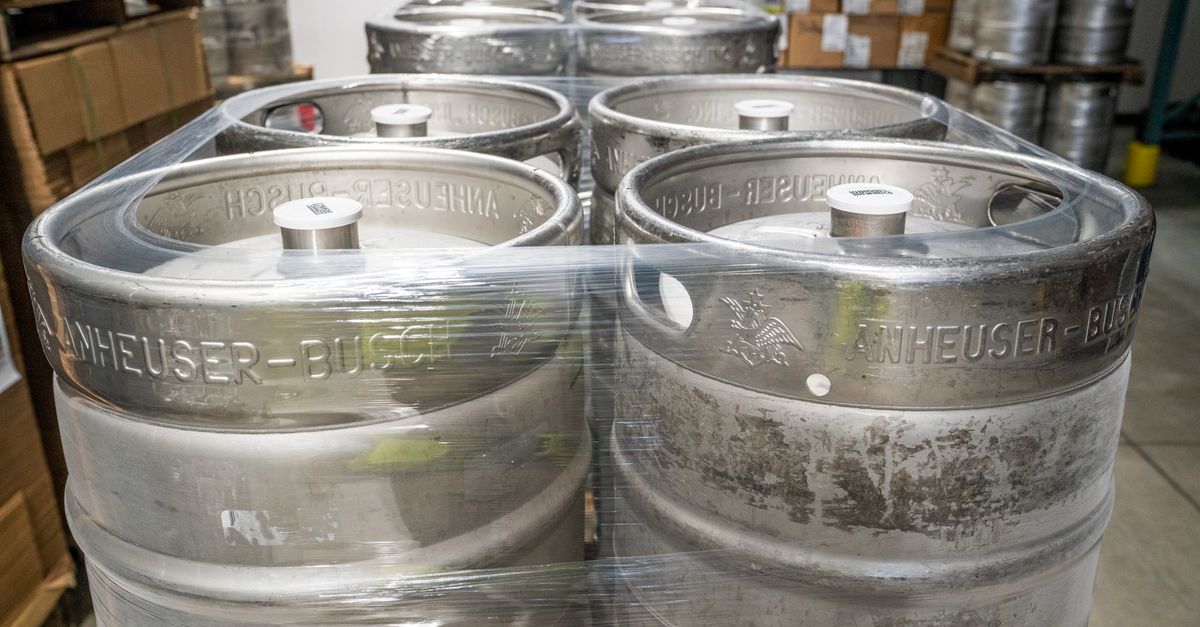
Infor CloudSuite EDI optimizes beverage manufacturers' warehouse operations, delivering real-time data flow, error reduction, and stringent traceability compliance.

IBM Sterling Mailbox Cleanup boosts performance in high-volume environments with automated retention, compliance, and efficient database management.
Whether you need EDI for healthcare, supply chain, or ERP integration — our experts are here to guide you through every step of the implementation process